Appointment reminder template library: 12 messages for salons and studios
Choose an appointment reminder template for SMS, WhatsApp or email. Copy 12 messages with clear dates, preparation details and a working reply route.
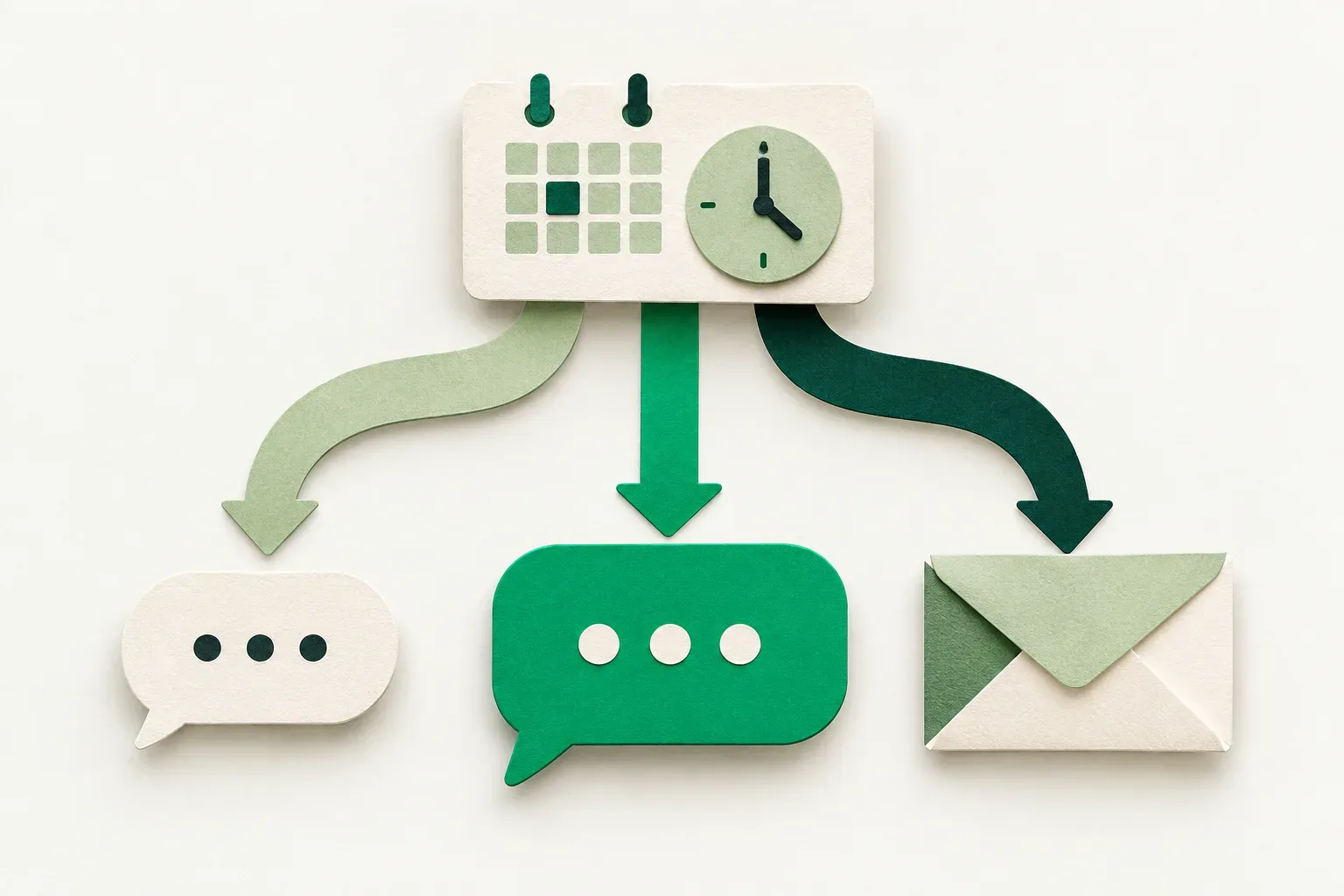
Choose an appointment reminder template that gives your client the date, start time, place and one useful next step. A short haircut reminder may need one sentence and a link. A first visit or a session with preparation may need an email. Choose from the 12 messages below according to the booking.
Use these messages as alternatives. Replace every bracketed field, check the booking details and use only a reply route your team monitors. The timing examples are starting points for your own service and cancellation window.
Choose the message before choosing the channel
Start with what the client needs to do. If they only need to remember a familiar address, a short SMS may be enough. If they need arrival instructions, a longer WhatsApp message can keep those details together. Email gives you space for a preparation list or the schedule for several services.
| Client situation | Template | Suggested starting point |
|---|---|---|
| Familiar visit, details unchanged | 1 | Day before |
| A change deadline is approaching | 2 | Before that deadline |
| Finding the entrance could take time | 3 | Day of the visit |
| Staff need an explicit answer | 4 | While someone can read replies |
| A long session needs preparation | 5 | Before preparation must begin |
| First visit to the premises | 6 | Day before |
| Two separate visits are booked | 7 | Before the first visit |
| A recent change might cause confusion | 8 | After checking the latest booking |
| Several service details need space | 9 | Early enough to review them |
| A short photo session has a fixed end | 10 | Day before |
| The visit is online | 11 | Before the connection needs testing |
| One person coordinates a group | 12 | Before they must brief the group |
Choose the client's agreed channel and language. Reserve a second reminder for a different practical need, such as directions on the day. For reminder research and baseline measurement, use our guide to reducing no-shows.
Four SMS reminders for short, specific actions
1. A familiar appointment
[Business]: your [service] is on [day, date] at [time]. See you at [address]. Need a change? [booking link]
Use this appointment reminder text when the client already knows the service and no preparation is required. Keep the business name visible even if the sending number changes. Replace the link with a monitored phone number if online changes are unavailable. Check that the link opens the correct booking before saving this version.
2. A reminder before the change deadline
[Business]: a reminder of your visit on [day, date] at [time]. To request a change before [deadline, local time], use [link] or call [phone].
Send this while the client still has time to act. Include only the policy already shared with this client. If you need to define the cutoff first, work through the rescheduling policy guide before inserting a number here.
3. Directions on the day
[Business]: see you today, [date], at [time]. Entrance: [brief direction]. Map: [link]. If you cannot find us, call [phone].
Use this for a courtyard entrance, an upstairs studio or a building with similar doors. Describe one landmark that helps someone standing outside. Keep lengthy parking instructions in an earlier message. Verify that the map pin points to the client entrance, especially after a move or temporary road access change.
4. A reply someone will read
Hi [name], [business] here. Your visit is on [day, date] at [time]. Please reply YES to confirm, or call [phone] if plans have changed.
Use this wording only when the sender receives replies and an assigned person checks them. Decide how the team records an answer and what happens if none arrives. A missing reply does not cancel a booking unless that was explicitly agreed. If replies cannot be received, ask the client to use the verified link or phone route instead.
Four WhatsApp reminders for context and preparation
5. A longer session with one preparation step
Hi [name], a reminder of your [service] at [business] on [day, date], starting at [time]. We have reserved [duration]. Please [agreed preparation step] before you arrive. Full details: [preparation link]. If anything is unclear, contact [monitored contact].
Choose one instruction that the professional has already approved for this service. Keep health advice and detailed personal information out of a general reminder. If an answer could change the service length, ask early enough for staff to review it using your pre-visit intake process.
6. A first visit with a separate arrival time
Hello [name], we look forward to your first visit to [business] on [day, date]. Your service starts at [start time]. Please arrive at [arrival time] for [specific check-in task]. We are at [address], [entrance detail]. Questions: [contact].
Give the service start and requested arrival as two labelled times. Only request early arrival when there is a real task to complete and someone can receive the client. If the door will remain locked until the service starts, adjust the message. Test the instructions with someone who has never visited the premises.
7. Two visits booked close together
Hi [name], you have two visits with [business]: [service A] on [date A] at [time A], and [service B] on [date B] at [time B]. This reminder is for the first visit. If either booking needs changing, contact [contact] and tell us which date.
Use this when separate bookings could be mistaken for duplicate messages. Pull each date from its own confirmed booking. Do not imply that one reply changes both appointments. When sending an automated reminder for each visit, check that this combined version will not create a third message with the same information.
8. A reminder after an agreed change
Hi [name], a reminder of your updated visit to [business]: [service], [new day, date] at [new time], [location]. This replaces the previously agreed time of [old day, time]. If these details do not match your plans, contact [contact].
Send this only after the new time has been agreed and saved. Check that queued reminders for the old time are removed or updated. If staff merely proposed a different slot, ask for agreement in a separate conversation first. A reminder should describe a confirmed arrangement.
Four email reminders when the details need room
9. A visit with several service details
Subject: Your [business] visit on [date] at [time]
Hi [name],
We look forward to seeing you for [service] with [staff name] on [day, date] at [time]. Your reserved visit lasts [duration].
Address: [address and entrance]. Please bring [required item], as agreed when booking. Your preparation notes are here: [link].
Need to change the booking? Use [booking link] or contact [contact]. The change deadline shared at booking is [deadline].
[Business name]
Remove any line that does not apply. A blank preparation field should disappear from the message rather than arrive as a broken sentence. Check that the staff name and duration reflect the current booking, including any agreed add-ons.
10. A photography mini-session with a fixed finish
Subject: Your mini-session on [date]: arrival and start time
Hi [name],
Your mini-session at [business] is booked for [day, date], from [start] to [finish]. Please arrive at [arrival time] so we can begin together at [start].
Meeting point: [precise location]. Bring [agreed items]. If you are delayed, call [phone] so we can discuss what fits before the booked finish.
Please check the participant details here: [secure link or monitored contact].
[Business name]
Use a finish time only when it is part of the booking. Avoid promising that a late arrival can extend into the next client's session. Put any late-arrival policy in the original booking information, then keep this reminder focused on finding the meeting point and arriving ready.
11. An online coaching or consultation session
Subject: Joining your [service] on [date] at [time, time zone]
Hi [name],
Your online session with [staff name] is on [day, date] at [time, named time zone]. Join using your private booking link: [session link].
Please check the link and your audio before the start. Have [agreed materials] nearby. If you cannot connect, contact [backup contact].
To request a different time, use [change route].
[Business name]
Name the time zone instead of assuming both people are in the same location. Send private session links only to the intended participant. Remove requests for cameras, materials or advance tasks when they are unnecessary for that particular session.
12. A group organiser's reminder
Subject: [Group reference] on [date]: arrival plan
Hi [organiser name],
Your group's visit to [business] is on [day, date]. The first arrival is [time]; the agreed group finish is [time].
Please share the confirmed arrival plan with the group: [approved schedule link]. Each person should follow their own arrival time. Meeting point: [location].
For any participant or service change, contact [contact] before [planning deadline]. We will check availability before confirming changes.
[Business name]
Share only the participant information the organiser is authorised to receive. The reminder can refer to the agreed schedule without listing everyone's contact details. Check that any separate individual reminders match the organiser's version.
Check length, permissions and replacement fields
SMS length depends on encoding. Twilio's character-limit documentation lists 160 GSM-7 characters for a single segment and 70 with UCS-2. Longer messages use smaller per-segment allowances. Hebrew, some punctuation and emoji can change the encoding. Count the completed message with real names and URLs in your provider's segment calculator; none of these drafts carries a one-segment guarantee.
For the WhatsApp Business Platform, Meta's messaging policy requires opt-in and approved templates to initiate conversations. Outside the 24-hour customer service window, messages must use approved templates. Treat these examples as draft wording for your provider's approval process. A message copied into a document is not an approved WhatsApp template.
Keep sales offers out of the reminder draft and handle promotional communication through your separate consent process. Check the sending tool's actual fields, language variants, reply handling and available settings before enabling any automation. These examples do not establish which customisations a particular product supports.
Test one real booking path before sending to clients
Use a test booking with a long client name, a full address and the longest link you expect to send. Preview the final SMS, WhatsApp message or email on a phone. Check the date against the calendar, open the link and follow the change route through to its result.
Then move that test booking and check the queued message again. Assign someone to read replies during the sending window. Save the approved wording, its language and its intended use beside the staff instructions so the next person selects the same version.
About this article
Skedful is responsible for this blog. Our publishing workflow uses AI assistance to prepare English and Hebrew drafts and generate illustrations.
Worked examples and sample calculations describe hypothetical scenarios. When an article cites research or customer results, follow the source for its context and limits.
Found an error? Send us the article link and the passage that needs a correction.
Report an error to SkedfulReminders come with every Skedful plan, on a schedule you set once. PricingSkedful vs Fresha vs Booksy