Booked revenue vs collected revenue: explain a studio reporting gap
Compare booked revenue vs collected revenue with a six-visit example. Copy a worksheet that separates visit dates, payment dates and unpaid balances.
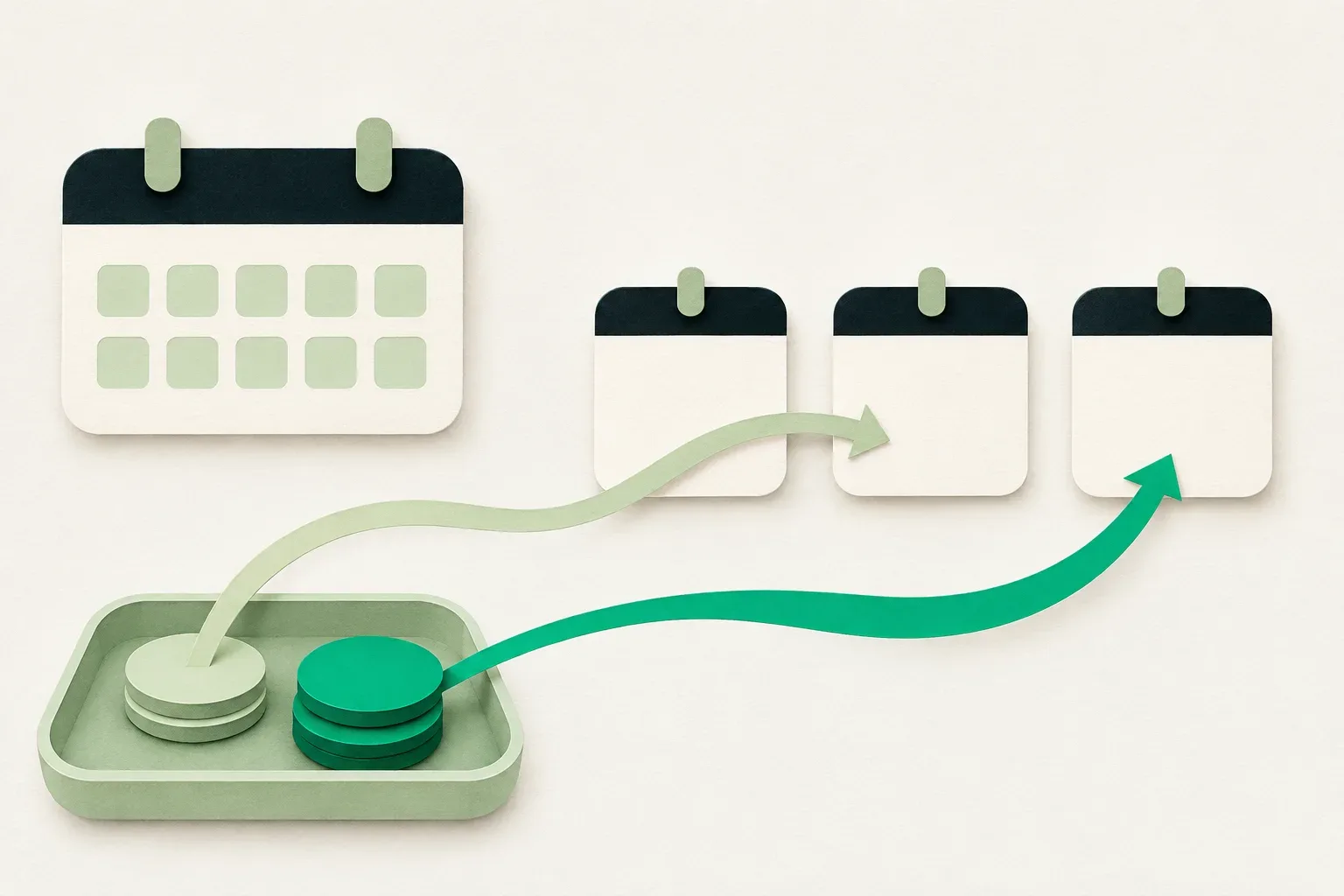
Comparing booked revenue vs collected revenue starts with two dates: when a visit takes place and when its payment arrives. A studio can have 500 in booked services for a week and receive 660 in payments during that week. The extra 160 does not prove that a price changed or a payment was duplicated. Some payments can belong to earlier or later visits.
Use the worksheet below to explain that difference by booking reference. It compares service value with successful collections, using invented amounts in one currency. It is an operational check for an owner or reception lead. Accounting revenue, tax treatment and the timing of bank payouts require their own records and rules.
Write down what each total includes
For this worksheet, booked value means the agreed service amount for confirmed or completed visits whose service date falls inside the selected period. Exclude cancelled visits. Record any agreed discount in the visit amount before adding it. Use the label “booked service value” on your sheet so colleagues can see the basis of the number.
Collections means successful customer payments received during the selected period, wherever the corresponding visit falls on the calendar. Record each payment once using its reference. A payment request, an unfinished checkout and a failed attempt do not supply evidence that money was collected.
Report definitions vary. Fresha's Payments summary documentation bases its date range on when payment was processed and describes exclusions for some advance-payment transactions. Spatiko's reporting guide defines its booked figure by order creation date. This worksheet uses visit date. Read the definition behind a software total before copying it into that column.
Keep refunds in a separate column. The worked example has none and uses gross successful collections, before processing fees. If a report displays a net figure, record the adjustments needed to put it on the same basis. Do not silently compare a gross service amount with a net bank credit.
Fix the period and preserve the source records
Choose one location, one currency and a local time zone. Write an inclusive start and end date, plus the time when you saved the records. For the example, the period is 16 to 22 November 2026. All six records and their references are fictional.
Prepare a visit list and a payment list. The visit list needs a booking reference, service date, status and agreed amount. The payment list needs a payment reference, processing date, successful amount and the booking it belongs to. Keep access limited to the people doing the review; client names and treatment notes add nothing to this calculation.
A visit can have several payments. Put each payment on its own source row, then total them against the visit. Copying the full visit price beside every instalment would multiply the booked value. A rescheduled visit keeps its identifying reference, with the revised service date and a note of the change.
Work through six booking records
This dataset includes earlier payments and payments received this week, with visit dates on either side of the period. The “paid this week” column records only successful payments dated 16 to 22 November.
| Reference | Visit date and status | Agreed amount | Paid before this week | Paid this week |
|---|---|---|---|---|
| R-101 | 17 November, completed | 200 | 50 | 150 |
| R-102 | 18 November, completed | 180 | 0 | 180 |
| R-103 | 20 November, completed | 120 | 0 | 80 |
| R-104 | 12 November, completed | 150 | 0 | 150 |
| R-105 | 27 November, confirmed | 300 | 0 | 100 |
| R-106 | 21 November, cancelled | 100 | 0 | 0 |
Only R-101, R-102 and R-103 belong in this week's booked service value. Their visit dates fall inside the period and their statuses meet the rule. Add 200 + 180 + 120 to get 500. R-104 belongs to an earlier service week. R-105 belongs to a later one. R-106 is excluded because it was cancelled.
The payment list includes 150 + 180 + 80 + 150 + 100, giving 660 collected this week. The earlier 50 for R-101 stays outside that payment-date total. It still belongs in R-101's payment history when checking how much remains due for that visit.
R-103 has 40 outstanding: its agreed amount is 120 and its recorded successful payments total 80. There is no other payment or adjustment for it in this example. The difference between 660 and 500 is 160, so subtracting the two headline totals would give the wrong answer to “what do this week's clients still owe?”
Build a bridge between 500 and 660
Start with the selected visits, then explain which parts were collected in another period or remain unpaid. Add this week's payments for visits outside the selected service week.
| Bridge line | Amount |
|---|---|
| Booked value of selected visits | 500 |
| Less their payments received before the week | -50 |
| Less their amount still unpaid at the review time | -40 |
| This week's collections for the selected visits | 410 |
| Add this week's payment for the earlier visit R-104 | +150 |
| Add this week's payment for the later visit R-105 | +100 |
| All successful collections received this week | 660 |
The bridge checks as 500 - 50 - 40 + 150 + 100 = 660. It explains the difference without changing a transaction or moving a payment to the visit date. Keep the original payment dates in the records.
This equation fits the stated dataset. Refunds, price adjustments, package use or payments that cannot yet be assigned need separate bridge lines when they exist. Mark an unknown item as unresolved and give someone its reference to investigate. Do not use an unexplained balancing amount to make the sheet reach 660.
Calculate an unpaid balance for the same visits
To check the selected visits' remaining balance, compare their agreed amounts with all successful payments assigned to them up to the review time. That includes payments from before the week.
For R-101 to R-103, the assigned payments are 200, 180 and 80. Together they are 460. Subtracting 460 from their agreed 500 gives the same outstanding 40 for R-103. This is a balance for three identified visits at a particular moment. It says nothing about the unpaid balance of every client in the business.
Keep the due date separate from the service date. An open amount becomes overdue according to the agreed payment terms. Before contacting a client, check for an unmatched payment, an authorized adjustment or a payment still being processed. A service-date report cannot settle that question by itself.
Copy the reporting check sheet
Use one cover sheet for the period, with the visit and payment rows attached. Preserve the original totals if you later correct a source record, and note who made the correction and why.
Location / currency / local time zone:
Period start and end / snapshot time:
Prepared by / checked by:
Visit source / date field / included statuses:
Payment source / date field / successful status:
Refund and fee basis:

Selected visits' agreed value:
Their payments before the period:
Their payments during the period:
Their unpaid amount at snapshot time:
Payments during the period for earlier visits:
Payments during the period for later visits:
Other explained adjustments and references:
Period collections / unexplained difference:

Exception reference / missing evidence:
Next action / owner / check date:
Bring an unexplained reference to the person who can inspect the underlying record. For example, “R-103: 40 open, check the second payment reference by Tuesday” gives reception a specific task. Once the dates and scopes match, use the separate end-of-day reconciliation checklist to investigate a cash or terminal mismatch.
Check a reporting view before relying on it
Open one completed visit, one future visit with a payment and one cancelled visit in the tools you use. Compare their dates, amounts and statuses with the report definition. Check whether editing the service price changes an old reporting total. Save what you observed beside the worksheet, including any report filters you could not confirm.
For Skedful, ask the team which reporting view and payment records are available for your plan, enabled modules, country and connected provider. Request a demonstration with those three records and ask which date each total uses. Bring the worksheet to your next weekly operations review, with one owner assigned to each unexplained payment reference.
About this article
Skedful is the publisher and corrections contact. Our editorial checklist covers product availability, source dates, worked examples and the limits of each claim.
About this articleWorked examples and sample calculations describe hypothetical scenarios. When an article cites research or customer results, follow the source for its context and limits.
Found an error? Send us the article link and the passage that needs a correction.
Report an error to SkedfulReminders come with every Skedful plan, on a schedule you set once. PricingSkedful vs Fresha vs Booksy