Class attendance register: match the roster to the room
Build a class attendance register for recurring studio sessions. Use a worked example to resolve late arrivals, wrong-session bookings and an unexplained headcount.
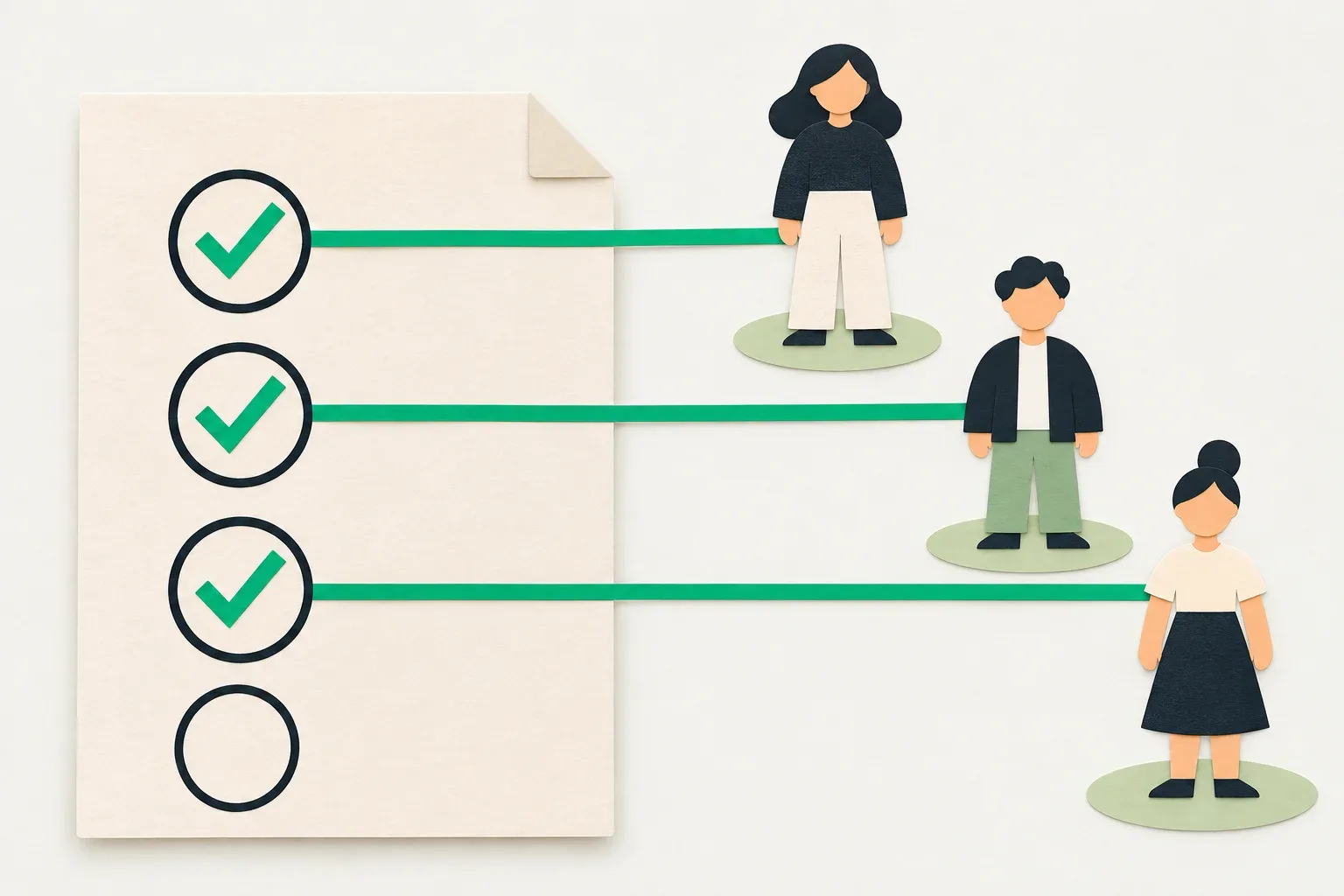
A class attendance register should let the next staff member answer who took a particular class, who checked the record and which names still need checking. Start with the session's booking roster, observe who arrives, then resolve any differences while the instructor can still remember the room.
An eight-person mat class can produce eight bookings and seven people on the floor. One participant may have arrived late, another may have booked the following week's session, and a third may still be waiting for a place. Give each person a row before turning that headcount into a completed attendance record.
Give every register one session
Put the class name, full date, start time, location and instructor at the top. Add the session reference used by your booking records. Two beginner classes on Tuesday need separate registers, even if the same instructor teaches both and the regular participants often switch between them.
Record when you took the booking roster. A list opened at lunchtime can change before an evening class. Check it again before teaching begins and note any later additions through the studio's approved booking process. If the list has several pages, check them all. A visible page with six names may be only part of the roster.
Name one person to record arrivals and one person to resolve booking questions. In a small studio, the instructor may handle both tasks. Arrange who will cover the register if the instructor is helping a participant and reception admits someone else. Keep that person's name with the session record.
Use separate columns for registration and observation
Keep the booking state as it stood when you checked it. Alongside it, record what staff observed: present, not yet seen, or unresolved. Add the observation time where it helps explain a late arrival or correction. After the class, change a remaining “not yet seen” entry only once the responsible staff member has checked it.
TeamUp's attendance guide gives its users separate attended, no-show, cancellation and late-cancellation choices. Those are provider-specific options. Use the states your own tool supports and agree what each means before staff begin marking the list. TeamUp attendance instructions
For a paper or spreadsheet register, these columns are enough to begin:
| Column | What staff enter |
|---|---|
| Participant reference | A studio reference that identifies the person |
| Booking reference | The booking for this session, if one exists |
| Booking state checked | The recorded state and time staff checked it |
| Attendance observation | Present, not yet seen, or unresolved |
| Evidence and owner | Who observed or checked the entry |
| Correction | Previous entry, new entry, time and reason |
Choose the name display that lets the instructor identify people privately. Keep phone numbers, payment details and personal notes off a sheet that participants can see. If two people share a first name, use a private lookup to match them to their studio references.
Take the first count when the class starts
At the agreed starting check, count the people participating and match each one to a row. Ask about an unmatched person quietly. They may have selected another session or be attending an agreed trial. Reception should verify the booking arrangement before staff decide how to record it.
A person on a waiting list remains an unresolved registration question until their place is confirmed through the studio's process. Seeing them in the room does not explain whether a place was approved. Record the observation and ask the designated person to resolve the booking. Keep the session within its agreed participant limit while they check.
Leave someone who has not yet arrived as “not yet seen” during this first pass. Give reception a way to tell the instructor about later arrivals. A registration state can remain unchanged while the attendance observation changes at 18:07, so keep enough detail to explain both.
Work through a seven-person class
The following fictional session starts at 18:00 and has eight places. At 17:55, reception checks six confirmed bookings, one waiting-list entry and one cancellation. At 18:00, five people are participating. Four match confirmed bookings. The fifth, participant P-07, appears to have booked the next Tuesday.
At 18:07, a fifth confirmed participant arrives. There are now six people taking the class. Reception verifies P-07's booking and, through the studio's approved process, moves that participant into today's available place. At 18:12, reception confirms a place for the waiting participant, P-08, who then joins. The room now contains seven participants.
| Participant | Record at 17:55 | Final observation and check |
|---|---|---|
| P-01 to P-04 | Confirmed for today | Four present at the starting check |
| P-05 | Confirmed for today | Present from 18:07; instructor recorded arrival |
| P-06 | Confirmed for today | Absent after instructor and reception checked |
| P-07 | Booked for next Tuesday | Present today; booking moved with approval |
| P-08 | Waiting list for today | Joined at 18:12 after place confirmation |
| P-09 | Cancelled | Absent; cancellation retained |
The final attendance total is four starting participants plus one late arrival plus two resolved additions: seven. P-06 remains a confirmed booking with an absent attendance outcome. P-09's cancellation remains visible in the supporting booking history. Neither belongs in the count of people who took the class.
Reception also checks what happened to P-07's original booking for next Tuesday. Moving a person into today's register should leave an explainable result for that future session. For this example, staff approve the move and check both session records. Confirm how your tool handles the two changes.
Resolve a mismatch before closing the register
If the observed headcount and the register disagree, ask the instructor to identify the unresolved row or participant. Check the session date, any late arrival and the changes reception made after the first count. Recount unique participants. Someone who stepped out and returned still occupies one attendance row.
When staff cannot explain the difference immediately, leave a named check open. An entry could say “Seven observed, six matched; reception to verify the trial participant by 20:00.” Keep the observed total, the matched total and the unresolved case visible. Marking every booking present would hide the question you need to answer.
For a correction, retain the original observation. Write “P-05 changed from not yet seen to present at 18:07, recorded by instructor” rather than erasing the earlier state. If the software has no correction history for this purpose, keep the authorized correction note alongside the studio's attendance record. Tell the next shift where it lives.
Review class credits through their own record
Check how your chosen setup connects bookings, attendance and class-credit use before using this register to change a balance. Providers differ. The Hebrew Tazman course-journal guide, for example, describes attendance marking that deducts punches from a class card. That is a description of Tazman's workflow. Tazman course-journal guide
If a participant asks why a class used a credit, find the booking and the purchased offer's terms. An absence observation alone does not establish whether staff should restore a visit or collect money. Record the attendance correction first, then refer any balance question to the person allowed to review it. The class-pack and membership worksheet covers expiry, cancellations and period changes separately.
Hand over a completed session record
Before the instructor leaves, record the final observed total, unresolved cases and who will check them. For a substitute instructor, include where to find the register and who may resolve a wrong-session booking. Use one agreed staff location so reception can find the version the instructor completed.
Try the worksheet on one session with a colleague. Ask them to find the late arrival, explain the seven-person total and locate the future booking that changed. If they have to ask the instructor to reconstruct the whole class, add the missing reference or observation to that row.
Skedful's current pricing page lists Classes and Memberships as an optional Studio-plan module. Skedful pricing
If you are evaluating it, send the Skedful team one recurring class and this example register. Ask to see the session roster, the access available to your instructor and where your attendance observations and corrections would be kept in your proposed setup. Include a wrong-session booking and a late arrival in that check before deciding how the instructor will hand over the first live class.
About this article
Skedful is the publisher and corrections contact. Our editorial checklist covers product availability, source dates, worked examples and the limits of each claim.
About this articleWorked examples and sample calculations describe hypothetical scenarios. When an article cites research or customer results, follow the source for its context and limits.
Found an error? Send us the article link and the passage that needs a correction.
Report an error to SkedfulReminders come with every Skedful plan, on a schedule you set once. PricingSkedful vs Fresha vs Booksy