Salon rebooking rate: formula, example and counting worksheet
Calculate your salon rebooking rate with a completed-visit worksheet, a worked example and clear rules for existing bookings, multiple services and cancellations.
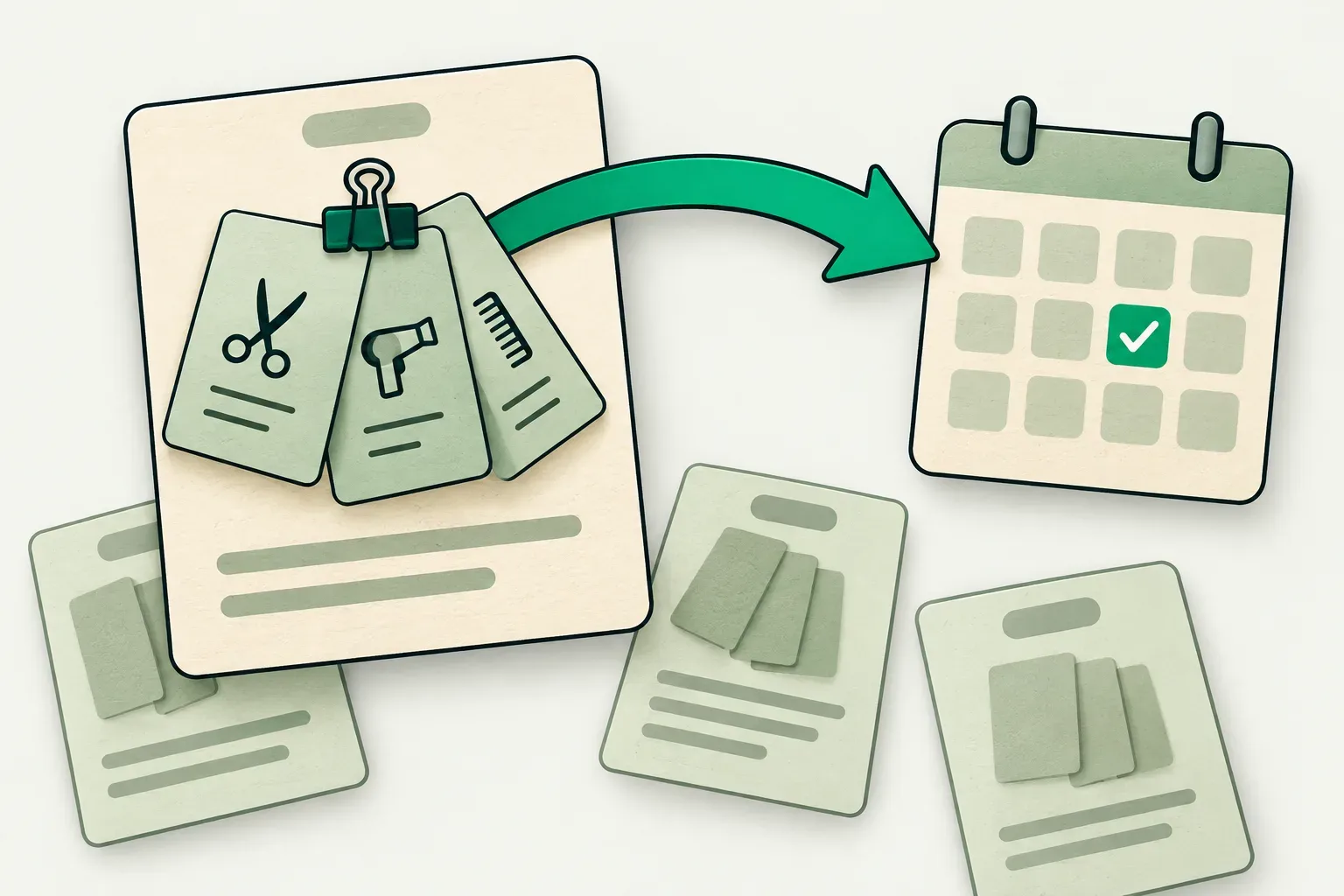
Your salon rebooking rate needs two counts from the same group of completed visits: how many qualified for a next appointment, and how many had that next appointment booked by your chosen cutoff. Write those rules down before comparing weeks or asking staff to improve the number.
A client who bought shampoo, a client with three services in one visit and a client who already booked six visits ahead can all change the result if the team counts them differently. The worksheet below gives each completed service visit one row and separates an existing future booking from one made on the visit day. The numbers are hypothetical working examples, not industry benchmarks or Skedful customer results.
Choose what the rate will measure
For this worksheet, use a same-day next-booking rate:
Eligible completed visits with a qualifying future booking at cutoff
÷ all eligible completed visits in the period × 100
Use the end of the visit's local calendar day as the cutoff. A booking qualifies when the client has agreed to a real future service appointment that is active at that cutoff. Include both appointments already held before today's visit and appointments made today. Record which kind it was so a standing booking does not become a new checkout conversion.
This is a measurement rule you can adopt for a staff-managed worksheet. Check your software's own definition before comparing a dashboard with it. For example, Phorest's rebooking documentation counts existing future appointments and bookings made on the visit day; it also specifies how retail-only visits, walk-ins and later cancellations affect its reports. Different inclusion rules can produce different percentages from the same diary.
If you prefer a seven-day booking window, name it separately and wait seven days after the last visit before closing that cohort. Mixing a fully observed Monday group with a Friday group that has only had two days to book creates an uneven comparison.
Build the denominator from completed service visits
Start with all completed service visits in a defined period, such as one calendar month. Exclude cancelled visits, no-shows, staff test bookings and product-only purchases from this worksheet. Keep those counts elsewhere so you can reconcile the source records.
Define a visit as one client on one local date at the location being measured. A haircut and colour in the same visit count once, even if the booking has two service lines or two staff members. If the same person returns on another date, that is a separate visit. Record this convention beside the worksheet, especially if your business handles several separate visits on one day.
Next decide which completed visits are eligible for the particular next-booking measure. A one-off event service may have no agreed repeat need. Record an exclusion reason rather than removing it silently. Keep a second total for all completed service visits, including these exclusions, so the reader can see how much of the business the rate describes.
Include walk-ins who completed an eligible service under these worksheet rules. A client declining to plan ahead remains in the eligible denominator. So does a client who wants to return but cannot find a suitable time. Excluding either group would remove the very outcomes the team needs to understand.
Use only information needed for counting. An internal client reference, visit date and service group are usually enough. Leave contact details and personal service notes in the protected client record.
Count each next booking once per source visit
At the end of the visit day, give each eligible row one of three outcomes:
| Outcome | Count in the numerator? | What to record |
|---|---|---|
| A qualifying future appointment was already booked | Yes | Its reference and original creation date |
| A qualifying future appointment was booked today | Yes | Its reference and creation date |
| No qualifying future appointment is active | No | Declined, no suitable time, undecided or another factual reason |
A tentative conversation or an unaccepted offer is not a booked appointment. A future appointment cancelled before the cutoff does not qualify. If the client books three future visits today, the source visit still adds only one to the numerator.
For this worksheet, select the earliest qualifying future appointment after the source visit. Store that reference. When an existing future appointment is moved, retain its link to the original booking if your records allow it; do not count an administrative move as a fresh checkout success.
The same client can appear in several monthly cohorts because they completed several visits. That is appropriate for a visit-based measure. A unique-client retention rate asks a different question and needs its own period and counting rules.
Work through a 120-visit example
Suppose a salon completes 120 service visits in a month. Twenty are documented one-off services outside the chosen repeat-service measure, leaving 100 eligible visits. Eighteen already have a qualifying future booking; another 40 create one by the end of their visit day. Forty-two have none.
Eligible visits: 120 − 20 = 100
Visits with a next booking: 18 + 40 = 58
Same-day next-booking rate: 58 ÷ 100 × 100 = 58%
Show the broader coverage figure beside it: 58 of all 120 completed service visits had a next booking, or 48.3%. Label the two denominators. Neither percentage is a target, and the eligible rate should not be presented as covering every service the salon delivered.
If you want to inspect opportunities handled that day, look separately at the 82 eligible visits that arrived without a future booking. Forty booked, giving 40 ÷ 82 × 100 = 48.8%. Call that the new-booking conversion among visits without a future booking. It answers a narrower question than the 58% rate.
Keep the 42 unbooked outcomes visible. If 15 wanted an evening slot that was unavailable, the team has an availability question to examine. A stronger checkout script cannot create those hours. Review suitable capacity before recommending more invitations.
Copy a worksheet with enough evidence to audit
Use one row per source visit. Complete the eligibility and outcome fields before calculating totals.
| Field | Entry |
|---|---|
| Source visit | Internal reference, local visit date and location |
| Completion | Completed service, checked against the record |
| Service group | One consistent category for comparing similar work |
| Eligibility | Included, or excluded with a reason fixed in advance |
| Existing future booking | Yes or no before this visit |
| Day-end outcome | Existing booking, new booking today or no booking |
| Next appointment | Reference, creation date and scheduled date |
| Unbooked reason | A factual reason or unknown, without guessing |
| Observation | Cutoff time, reviewer and date checked |
| Later outcome | Still booked, moved, cancelled, attended or not yet known |
If your records cannot reconstruct the state at the original cutoff, mark the observation unknown. A present-day calendar cannot always tell you whether an appointment existed three weeks earlier. Start prospective recording rather than treating a guess as a historical measurement.
Skedful's client management page describes client records and appointment history. Full profiles with history and notes require Pro or Studio, as listed there. Use the records available to your team to verify each row. Staff manage this calculation and cutoff log; check the reporting and export options in your account before building your process around them.
Keep the original observation and later attendance separate
Save the day-end outcome as the original observation. Add subsequent changes in the later-outcome field. This lets you answer both how often visits led to a booking and what happened to those booked visits afterwards.
For example, suppose eight of the 58 linked future appointments are cancelled before they happen, with no replacement, and the other 50 are still scheduled. The original snapshot remains 58 out of 100. The current booked count is 50 out of that original 100. Attendance is still unknown for those 50; their bookings do not establish completed returns or revenue.
When someone moves an appointment, update the linked scheduled date and retain the move history. A cancelled visit followed by a replacement should be recorded as such. Avoid presenting a reschedule as both a lost appointment and an additional client gained.
Our rescheduling policy guide covers client-facing changes. The reactivation message library serves the later task of contacting suitable previous clients. Neither should change the counting rules midway through a cohort.
Compare like services and combine counts correctly
Split new and returning clients if you can identify them consistently. In the same example, 12 of 30 new-client visits and 46 of 70 returning-client visits have a next booking. Those rates are 40% and 65.7%. Together they give 58 of 100, or 58%.
Add numerators and denominators when combining groups. Do not average their percentages. A group with 10 next bookings from 20 visits has 50%; another with 48 from 80 has 60%. The combined rate is 58 ÷ 100 = 58%, rather than the unweighted average of 55%.
Assign each visit to one service group when reporting at salon level. Staff-level counts can overlap when two professionals serve one client, so summing them may exceed the salon visit total. Use a documented attribution rule before using staff results for coaching. Small groups also move sharply: one additional booking changes a ten-visit group's rate by ten percentage points.
Test five records before the next review
Choose five internal examples: a multi-service visit, a visit with a standing future appointment, a declined invitation, a future booking cancelled before day-end and a booking made the following day. Have two staff members classify them independently using the written rules.
Resolve any disagreement before counting the whole month. Keep the day-end cutoff for the following-day example, so it remains outside this measure. Record the agreed classifications beside the worksheet, name the person who will close the next reporting period and schedule the later attendance check after the linked visits have had time to take place.
About this article
Skedful is responsible for this blog.
Worked examples and sample calculations describe hypothetical scenarios. When an article cites research or customer results, follow the source for its context and limits.
Found an error? Send us the article link and the passage that needs a correction.
Report an error to SkedfulReminders come with every Skedful plan, on a schedule you set once. PricingSkedful vs Fresha vs Booksy