Salon retail checkout for a service and a product
Use a salon retail checkout worksheet to ring up a service and a take-home product, confirm payment, and check the stock movement.
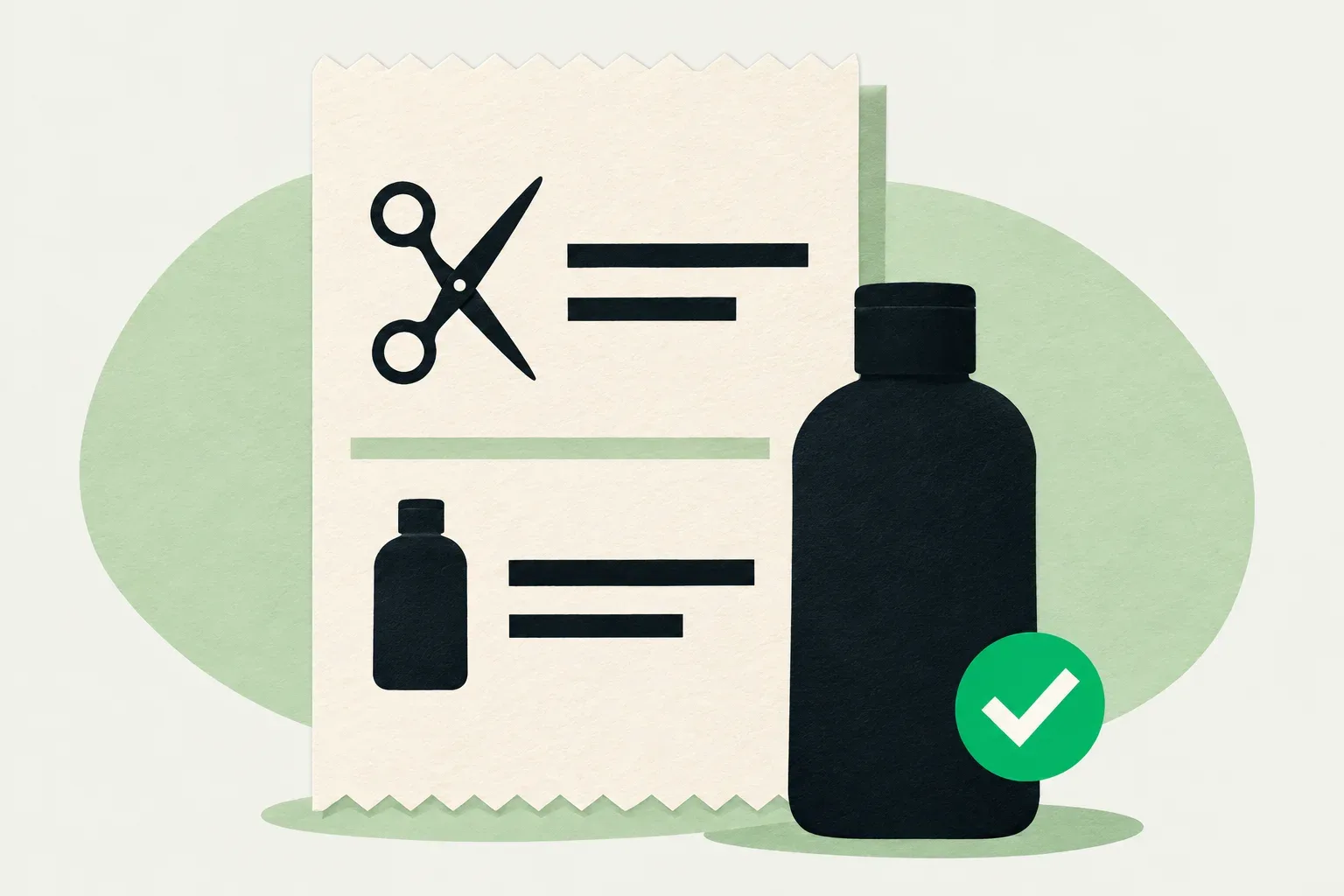
A salon retail checkout starts with the service the client received and the exact product they chose to take home. If the service costs $65 and the client buys one $24 bottle, the amount to collect in this example is $89. The sale should show two lines, and the stock record should account for one bottle. The payment record can confirm $89 was collected. Check the sale and stock records for the bottle.
Try the check at your counter with the stock and payment records your staff use. The amounts and item references are fictional.
Give the cashier the exact product
The person who finishes the service should tell the cashier what the client agreed to buy. “The shampoo we used” is easy to misread when there are two sizes or formulas on the shelf. Pass the exact name and size, along with the quantity. Put the sealed bottle next to the till so the cashier can compare it with the selected item before taking payment.
If two bottles look nearly identical, use the barcode or stock code to confirm the variant. Keep the size in the display name if the cashier has to search by name. A product called “Daily Wash 250 mL” is easier to check against the shelf than three entries named “Daily Wash.” If a label fails to scan, match the package to the catalog before selecting the item by hand.
Keep the open bottle at the wash station out of the retail handoff. If a sealed retail unit moves from the shelf to a workstation for use during services, record that movement through your internal stock process. The sale at the counter concerns what leaves with the client. The inventory reorder point guide covers how to forecast supplies the team consumes while doing the work.
Build the sale from two lines
Open the booking or service record and confirm which service was delivered. If the service changed during the visit, check what the client agreed to before using the booked price. Add the take-home product under its own item, with the unit price and quantity visible. Let the client see or hear both lines before confirming the total.
Square’s US appointment checkout documentation illustrates a checkout where staff open the appointment and add items before charging. Slick’s retail checkout guide shows a separate path for a retail sale with no booking. In your own tools, check where the booking link, line items and payment reference are saved. If the tools keep the service and product in separate sales, use the supported flow and preserve both references for the visit.
| Line on the sale | Quantity | Unit price | Line total |
|---|---|---|---|
| Cut and finish | 1 | $65 | $65 |
| Daily Wash, 250 mL (DW-250) | 1 | $24 | $24 |
| Amount to collect in this example | $89 |
In this example the prices shown are the amounts used for checkout, with no discount or prior payment. If the client decides against the bottle while the sale is still open, remove the product line and confirm the updated $65 total. Check that the item is also gone from the customer-facing view. A generic discount of $24 would leave a bottle on the sale and could still affect the stock record.
Check the quantity after a second scan
If a scan seems slow and someone scans the same bottle again, look at the quantity before taking payment. In the example, a quantity of two makes the product line $48 and the total $113. Change the quantity to one and read the $89 total back to the client. A discount would change what the client pays while leaving two units on the sale.
If the duplicate scan is discovered after payment, open the original sale before touching the inventory count. Check which correction your register supports, who can make it and whether it also corrects stock. Once the correction is recorded, compare the payment and stock records with the single bottle the client took. One correction can affect both records, so check each before entering a second change.
Match the completed sale to the shelf
Start with six sellable units of DW-250 and no other movements during the example. After the sale, the expected count is five. Look up the product in the stock record and check whether the quantity moved once, on the correct item and at the location that supplied it. Before using the workflow with clients, find out when your tools commit the stock change. Some workflows also display a reservation or an available-to-sell count during an open sale. Use the same count for the before and after check.
If your checkout and stock records are separate, give one person responsibility for recording the movement. Record one unit out with the sale reference and check the resulting count. At a shared till, the stylist can verify the package while the cashier records the movement. Keep the same person responsible for recording it if another employee steps in to bag the product.
The money matches but the item is wrong
Suppose the sale shows DW-250 at $24, the terminal shows $89, and the client is holding a different $24 formula. Before payment, swap the product line and read back the variant. If you discover the mistake afterward, find the original sale and use the supported correction flow. Ask the person authorized to correct sales to check both variants. The actual item that went home should be reflected in the record.
If the sale shows the right bottle but the shelf count has dropped by two, look for another legitimate sale, a transfer to the wash station, or a second entry against this sale. Keep the original reference with the correction. If the payment status itself is unclear, check the payment record before trying to collect again. The end-of-day reconciliation checklist has a place to hand off an unresolved payment once the counter has moved on.
Copy this checkout check for a training shift
| Field | Example entry |
|---|---|
| Booking and sale reference | B-124 and S-407 |
| Service delivered | Cut and finish, $65 |
| Take-home item and quantity | DW-250, 250 mL, one unit, $24 |
| Amount and payment check | $89, matched to S-407 |
| Shelf movement | DW-250, six before and five after |
| Follow-up if a record disagrees | Register lead checks the original sale before making a correction |
Ask one person to play the client and another to work the counter. Rehearse the purchase in an approved test mode if you have one, or use paper records. Then run it again with two same-price bottles and switch the bottle before the client pays. The cashier should catch the variant change and leave the other product’s count alone. For a test of an already completed sale, use the supported correction path in a training environment or walk it through on paper.
If you are evaluating the register for your business, contact Skedful with your plan, business country and the checkout and inventory steps you need. Bring one example sale and ask which steps your setup supports before moving the team’s checkout.
At the next shift handoff, put two similar bottles by the till and have the incoming cashier show which item they would select and where they would verify the movement after payment.
About this article
Skedful is the publisher and corrections contact. Our editorial checklist covers product availability, source dates, worked examples and the limits of each claim.
About this articleWorked examples and sample calculations describe hypothetical scenarios. When an article cites research or customer results, follow the source for its context and limits.
Found an error? Send us the article link and the passage that needs a correction.
Report an error to SkedfulReminders come with every Skedful plan, on a schedule you set once. PricingSkedful vs Fresha vs Booksy