Workflow automation checklist: test one studio rule before launch
Use a workflow automation checklist to test triggers, conditions and outcomes in your studio. Includes six test cases and a copyable run record.
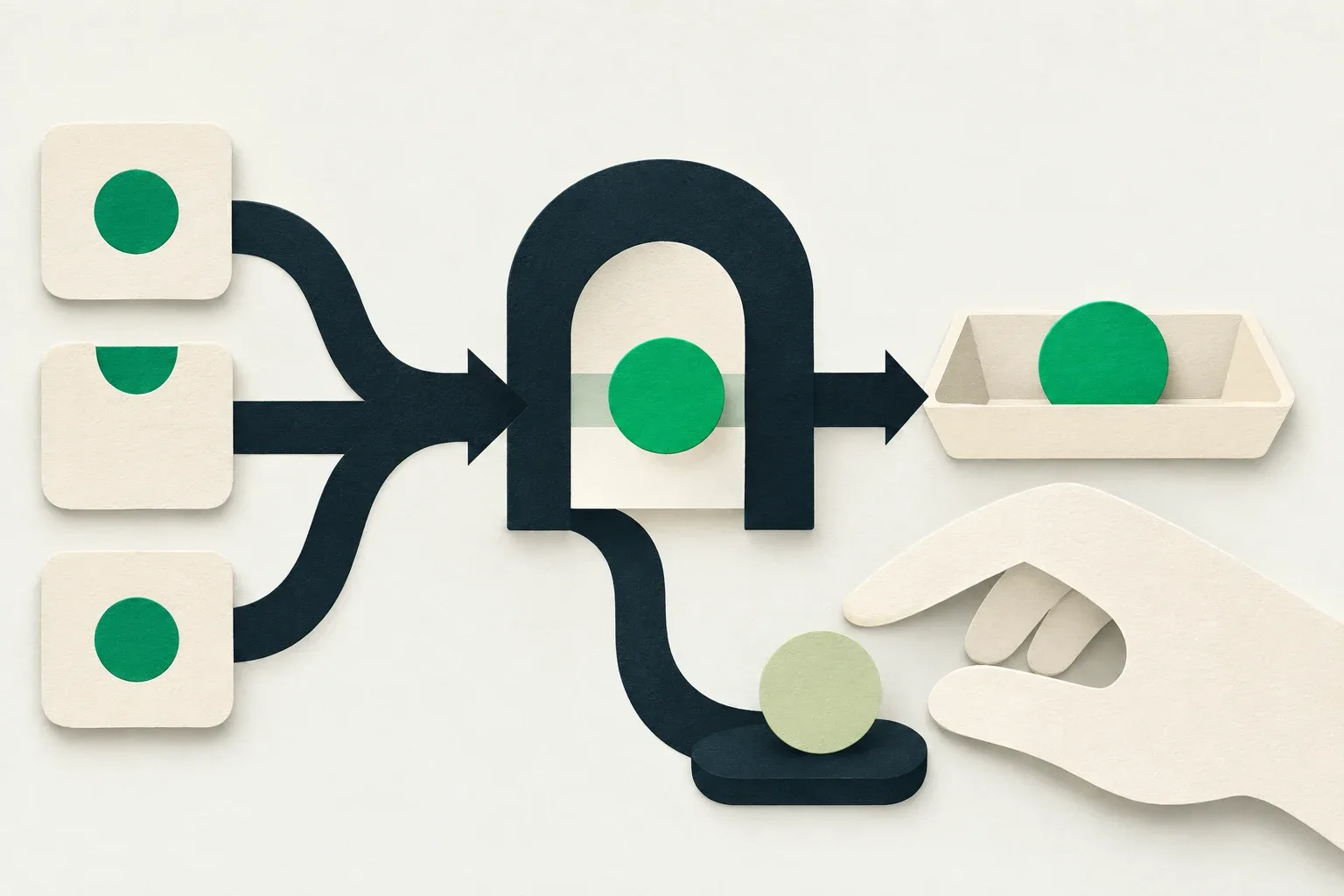
A workflow automation checklist should show which records enter a rule, which branch they follow and what changes at the end. Before activating a studio workflow, write the expected result for a matching record, a non-matching record and a record missing information. Check the destination after each test.
Suppose reception wants an internal notice when a selected client needs a briefing. A rule that reaches the wrong colleague, runs twice or treats an empty field as permission creates another task for reception. Test that small rule before attaching a client message, a booking change or a longer chain of actions.
What does a follow-up workflow look like?
Skedful's 83-second workflow explainer illustrates a completed-appointment follow-up. The example waits three days, checks whether the client already has an upcoming appointment, then stops for clients who do or sends a rebooking link to clients who do not. Email or SMS delivery still depends on consent, quiet hours and sending limits. The video is in English with captions, and its flow is an illustration rather than a recording of a customer's results. The three-day delay is an example setting, not a universal recommendation.
Pause at the trigger at 0:16, the appointment check at 0:24 and the sending checks at 0:38. Compare those steps with your written rule and test both branches before activation. Creating and editing automations requires Studio. Keep the first version as a draft while you work through the checklist below.
Write one rule that staff can check
Start with a sentence the person covering reception can understand: “When we start the briefing check for a client, notify the duty owner if the client has the briefing-needed tag; otherwise finish without a notice.” This is a fictional operating example. Use only triggers, conditions and actions supported by your enabled tool.
Name the event precisely. Creating a client, updating a client and starting a manual check are different events. A rule intended for one may never see another. Record which route staff will use to start it, including whether the same event can also come from an import or another screen.
Keep the first test to one decision and one internal outcome. Staff can inspect a notice or a tag without asking a client to interpret a test message. Keep test records identifiable and use contact details controlled by the team. Do not copy private treatment notes into a testing spreadsheet.
Record the rule before opening the builder:
| Item | Briefing-check example |
|---|---|
| Start | Staff starts a check for one selected test client |
| Condition | The record has the agreed briefing-needed tag |
| Matching outcome | One internal notice reaches the duty owner |
| Other outcome | Finish without that notice |
| Missing information | Stop for staff review; do not guess eligibility |
| Human decision | The duty owner decides whether a briefing is needed |
| Owner | Reception lead, with a named cover person |
The notice asks a person to review the record. It does not establish that the briefing happened. Keep that completed work separate from the automation result.
Check the condition and both branches
Read the condition as a complete comparison: which field, which rule and which value. A label such as “new client” leaves room for several meanings. The client might have a new record, a first future booking or no completed visits. Choose the definition needed for this workflow and write it down.
With multiple conditions, check whether all must hold or whether any one is sufficient. Zapier's filter documentation distinguishes AND from OR and shows tests for data that passes and data that stops. The same questions help you review a studio rule, although each product has its own controls.
Create a record that should fail each condition separately. If a rule requires both a tag and an assigned colleague, test a tagged record without an assignee and an assigned record without the tag. A record satisfying both conditions cannot show whether the rule accidentally uses OR.
Check where each branch ends. A non-matching branch may stop, request review or take another defined action. An empty branch should not quietly rejoin a client-facing action further down the workflow. Draw the route on paper if the builder view makes it hard to follow.
Run six cases and inspect the actual outcome
Give each test its own reference. Write the expected result before running it, then record what happened. The following worksheet covers one internal rule; adapt it to the controls your product provides.
| Case | Starting record or event | Expected result |
|---|---|---|
| W-041 | Briefing-needed tag present; duty owner available | One notice reaches the intended owner |
| W-042 | Tag absent | No briefing notice; branch ends as planned |
| W-043 | Required recipient or routing information missing | No guessed recipient; review is required |
| W-044 | Same request submitted again | Behaviour matches the written repeat rule |
| W-045 | Tag removed before a delayed action | Behaviour matches the written recheck rule |
| W-046 | New request after the workflow is stopped | No new action from that stopped workflow |
For W-041, open the receiving colleague's actual destination. Check the client reference, the action requested and the working link. A successful run entry alone does not prove that the right person can see and use the notice.
For W-042, inspect the destination too. An absence of errors cannot prove that a notice was correctly withheld. Compare the run reference, branch and destination so you can distinguish an intentional stop from a test that never started.
For W-043, confirm how the product handles missing information. If it cannot route the exception to a person, keep that case in a staff-managed list and do not activate a rule that needs to guess. A missing optional greeting and a missing recipient require different decisions.
What should happen if the same event arrives twice?
Write whether the rule acts once per client, once per booking or once per deliberate request. Those units lead to different outcomes. Two separate bookings by one person can be legitimate work; two deliveries of the same request may be a duplicate.
In the briefing example, the team might choose one notice per deliberate check and a manual check of any apparent duplicate. Test a quick second start and a later deliberate start separately. Record the actual behaviour without treating a short repeat-prevention window as a promise that repeats can never occur.
If the first attempt appears to fail, inspect its destination before starting again. The notice may have arrived even if the result screen did not load. Keep the original reference and attach the investigation to it. Creating a fresh request can otherwise turn an uncertain outcome into two notices.
The client notes guide covers the private record staff review. Keep this testing worksheet limited to references and outcomes, accessible to the people doing the checks.
What must be checked again after a workflow delay?
A workflow with a waiting step needs a second check after the record changes. Ask whether conditions use information captured at the start or information read when the action occurs. Confirm the answer for the actual tool and action; a condition near the top of a diagram does not establish a later recheck.
For W-045, start with the tag present, enter the test waiting period, then remove the tag. Record the change time and the eventual outcome. If the studio requires a fresh check before the notice but the tool uses the original value, shorten the workflow or keep the final decision with staff.
Name the time zone for scheduled steps. Use a short internal test interval where supported, while preserving the sequence you need to examine. Include a case that crosses the business's closing time if timing affects who receives or handles the result. Test client messages separately before enabling any external send.
Stop the rule and account for work already started
Find the actual stop control before launch and identify who can use it. Stopping new starts and cancelling work already waiting are separate behaviours to verify. Do not assume a pause withdraws a notice that has already reached someone.
For W-046, stop the test rule and create a fresh event. Separately inspect any earlier waiting run. Record whether it continues, stops or needs another action. If the product cannot show its state clearly, resolve that uncertainty with support before using a delay for consequential work.
Write a short recovery instruction: who stops the rule, who checks pending work and who removes or corrects test outputs. Keep the previous approved configuration available through your normal documentation process. A corrective edit needs the affected tests again before the rule returns to use.
Save evidence and assign the first live check
Use one row per test with these fields: rule name and version, test reference, start time and time zone, starting data, expected outcome, actual outcome, destination evidence, checker and next action. Mark each row passed, failed or unresolved. “No one complained” is not destination evidence.
In a fictional rehearsal, W-041 reaches the wrong colleague while the other five cases pass. Correct the routing, rerun W-041 and repeat W-043 because both depend on the recipient setting. Keep the failed result beside the replacement evidence so the next checker can see what changed. These are test outcomes, not measured customer results.
Skedful's current pricing page lists Automations on Studio. Ask the team to confirm the enabled module, available triggers, actions and stop behaviour for the workflow you want. Bring the completed rule sheet rather than assuming that an example from another builder is available in your account.
After the tests pass, assign a person to check the first live record at its destination and set the next review date. Repeat the affected cases whenever a field, recipient, condition or timing rule changes. Save that person's name and the stop instructions with the approved worksheet before activating the rule.
About this article
Skedful is the publisher and corrections contact. Our editorial checklist covers product availability, source dates, worked examples and the limits of each claim.
About this articleWorked examples and sample calculations describe hypothetical scenarios. When an article cites research or customer results, follow the source for its context and limits.
Found an error? Send us the article link and the passage that needs a correction.
Report an error to SkedfulReminders come with every Skedful plan, on a schedule you set once. PricingSkedful vs Fresha vs Booksy